OAME Family Math Morning

OAME was an excellent opportunity to network with other math teachers from all over the province, and also to share ideas and best practices. This morning was my moment to share, as part of the Family Math Morning sessions.

My topic was about how to use polygon blocks in MTH1W classes. These blocks are often associated with primary grades, but there is an impressive amount of math that can be explored, if you take time to play and explore.

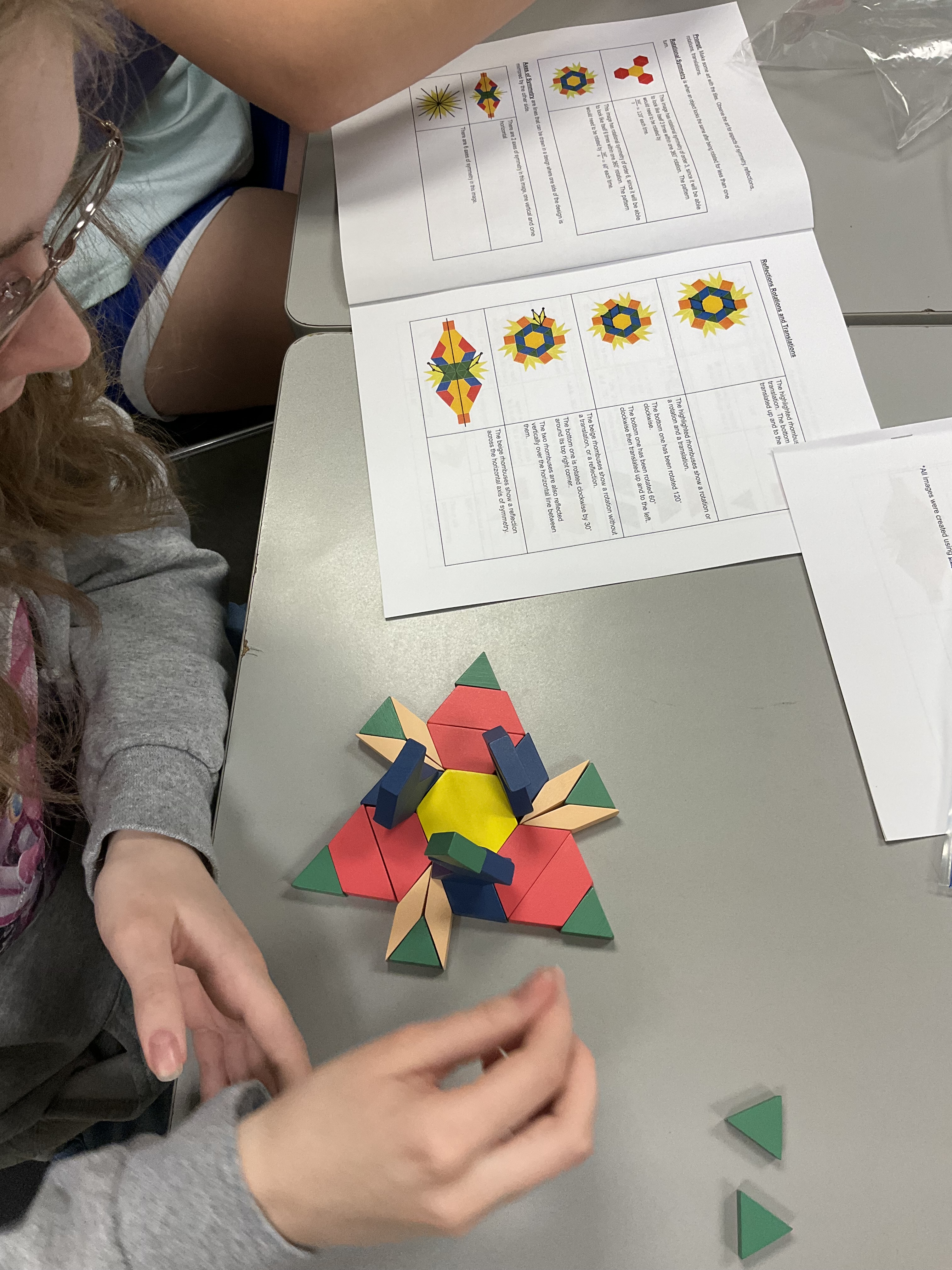
My first prompt is usually: Build me some art. After seeing what is created, we can explore ideas of symmetry, rotation, reflection, translation, fractions, angles, area, perimeter, and so much more!
Something new that I stumbled upon while creating my resource package was using these blocks to explore similarity and how side length and areas are scaled in similar figures. Here is an example of two similar trapezoids. The large one has side lengths that are triple the side lengths of the smaller one. The large trapezoid has an area that is 9 times the area of the smaller one. When the side lengths scale by 3, the area scales by 32

We can explore this art in a few ways. We could look at similarity between the small yellow hexagon, and the large composite hexagon. The large hexagon has side lengths that are triple the side lengths of the small hexagon. The area of the large hexagon is 9 times the area of the small hexagon. We can prove that by using 3 rhombuses to create a hexagon (like what we see in the centre).
We can also explore what fraction of the large hexagon is yellow. Since there are 9 hexagons total, and 6 of them are yellow, we know that it is 6/9 yellow, or 2/3 yellow. That means it is 3/9 or 1/3 blue.

Another person made another hexagon of the same dimensions, but with different blocks. We can see that the same scale factors apply.

The sides are scaled by 3 and the area by 9. But this one is different because it is 7/9 red and 2/9 green. Here it is decomposed to prove the ratio.

My resource package has some other ideas about math that can be accessed using these manipulatives. I created all of the images using polypad.
 Ms. Bearse's Site