Growing Creatures
We’ve got an experiment going in class. We are going to grow creatures. We put them in water and they’ll grow 600%!
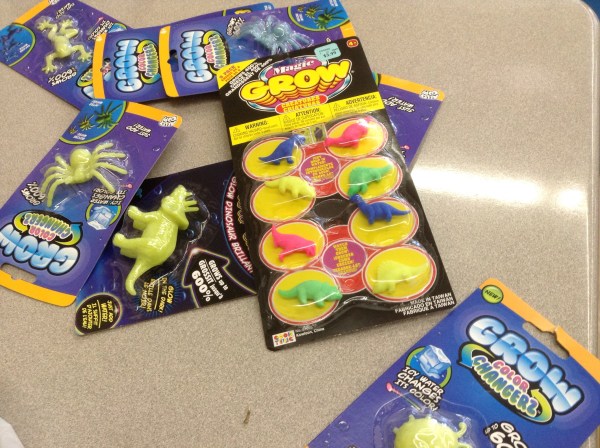
We measured our creatures first, and then put them in water.

We look forward to watching them grow!
Civil engineering–building the tallest straw towers
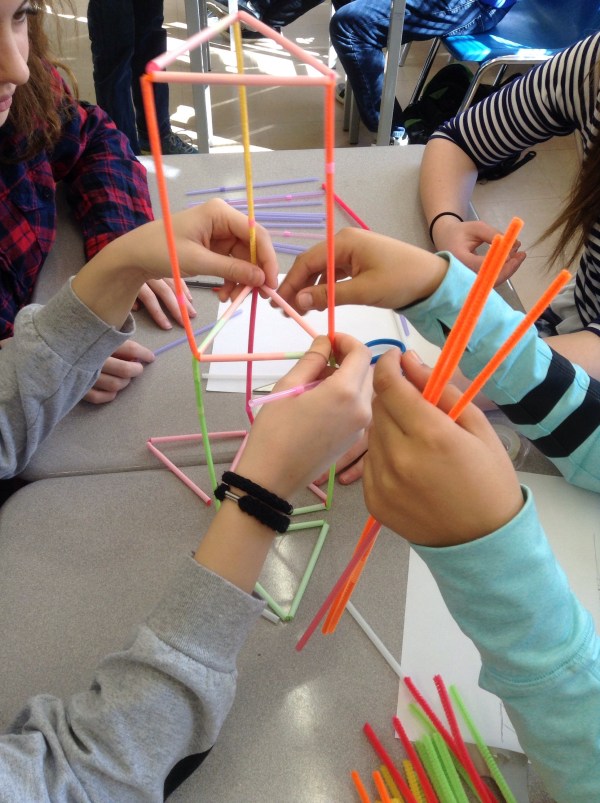
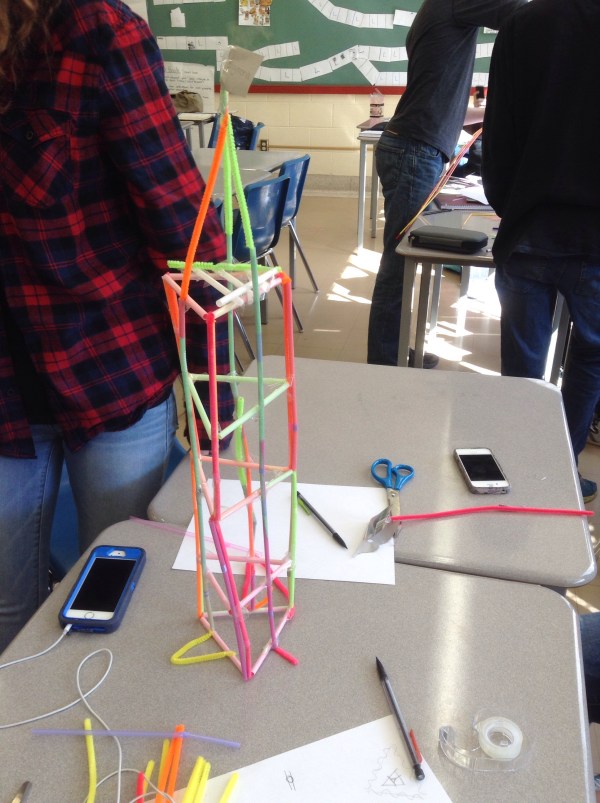
Today was Ali’s last class with us. We learned about civil engineering today. We built towers with a limited number of straws, pipe cleaners, and tape. They had to hold up marbles, in the top 20% of the tower. There were lots of different approaches to the challenge. We practiced good teamwork and the design process. We tested and changed our designs several times.
W



Bean Update
The beans are emerging, and growing fast.
We’re measuring them each day. 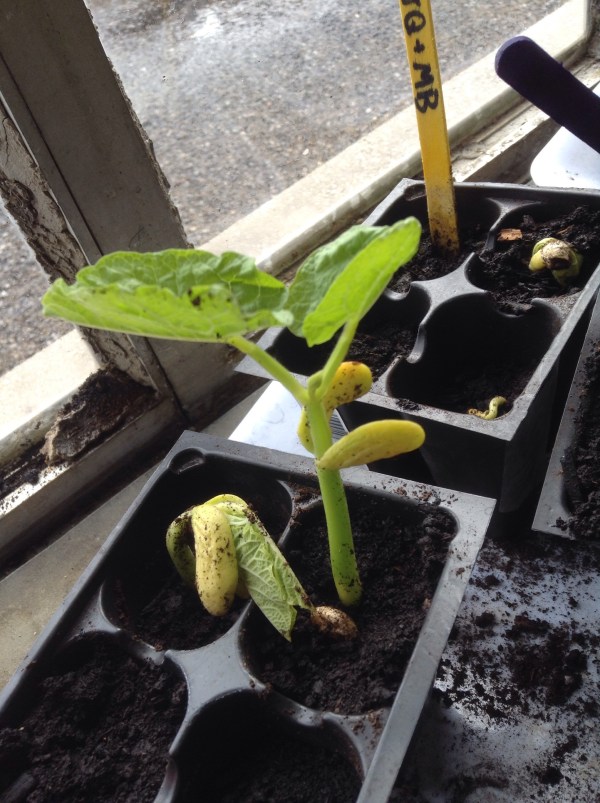
It’s fun to watch the daily changes like the leaves unfurling. They will sure look different on Monday!
Carpentry Math
Alex, a carpenter, came to our class today to talk to us about the math he uses when doing his job
He showed us about making a 90 degree angle using 3-4-5 triangles, and how to use a chalk line.
He shared a lot of life lessons with us that went far beyond math class.
Beans update

the beans have germinated! Those that grew in the dark were really big.

We planted them in soil and we’ll measure them daily.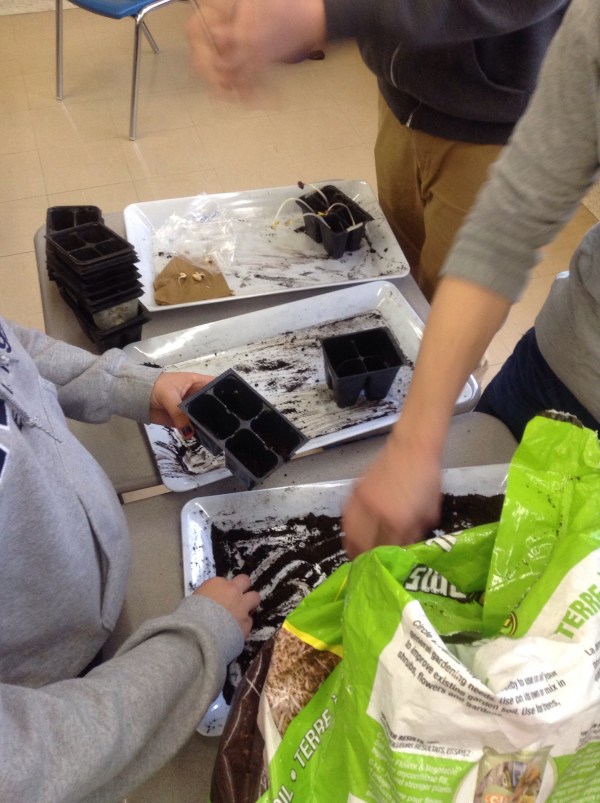
Engineer in the classroom
We are calculating how long it would take to empty the water from the bucket to simulate emptying an oil well. There were two different cups, a large one that could be used once a month, and a small one that could be used four times a month.
The problem was solved using volume calculations, and rate calculations
Later we designed a better scoop that maximizes the volume and minimizes the surface area.
Balance
We’re looking at balance points today. For rectangular objects, it’s pretty easy to find the center.
For triangles it’s harder. We need to find the intersection of the medians.
Bean Experiment
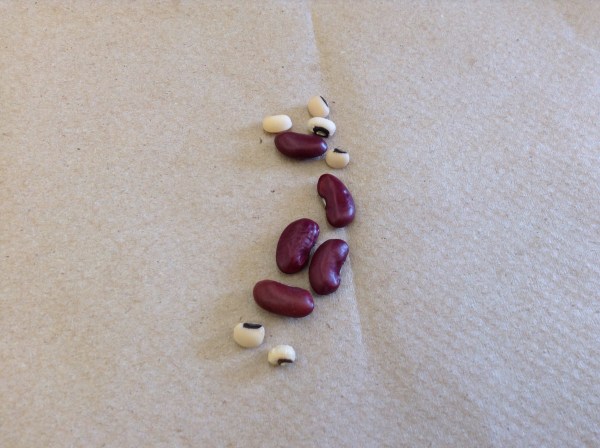 we’re germinating beans of two varieties: red kidney beans and black eyed peas.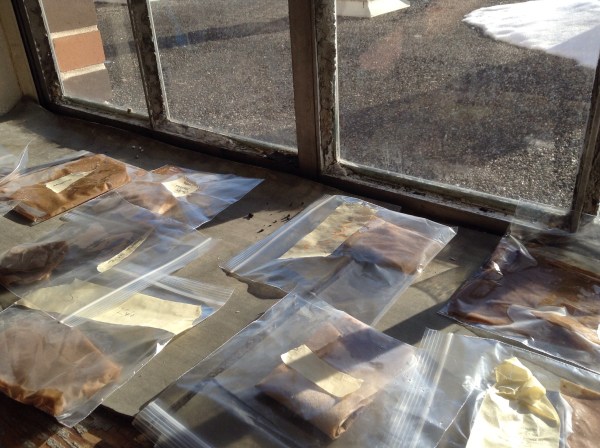
We’ll check on them to see when they sprout.
Pi Day Party

We ate some pie on pi day. We also did some experiments with circles. This one used licorice laces to make circles. We compared the circumference and the diameter of the circle, ate some licorice, and repeated. Graphing circumference compared to diameter gives a linear graph with a slope that is pi.

We read a pi story
We also, in grade 10, looked at how many cheerios fit on circles of different sizes.
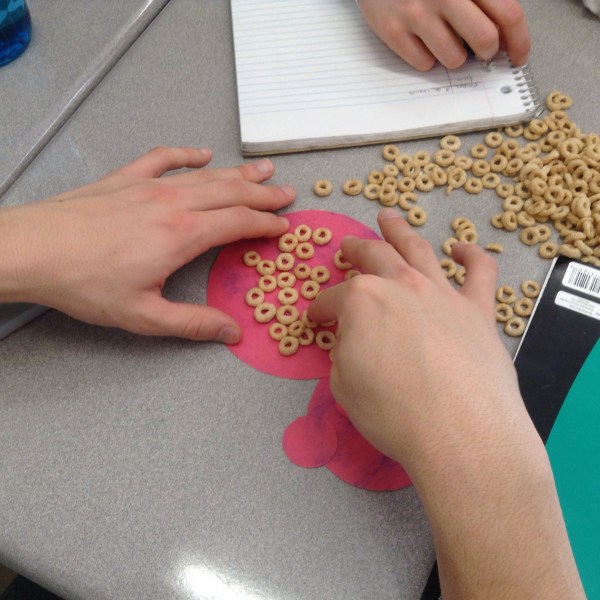

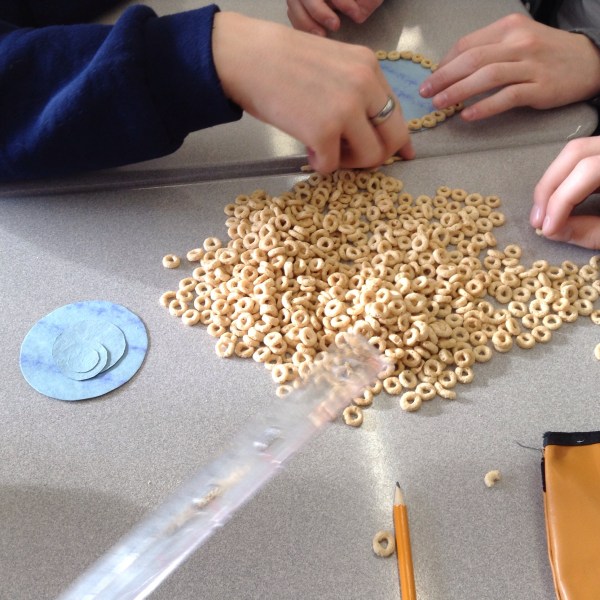
When we graph number of cheerios vs circle radius we get a curved graph.
Interested in calculating your payroll deductions?
For Grade 12 Workplace math, you can calculate your payroll deductions using the following website.
Remember, you will get paid for your time that you’ve worked. If your attendance suffers, so does your pay!
 Ms. Bearse's Site